Beat the ATS: How to Optimise Your CV for Applicant Tracking Systems
9 proven fixes to get your CV past filters and in front of recruiters

The Green Light: When your CV is properly tailored, modern Applicant Tracking Systems don't just "read" your experience—they validate your relevance instantly.
You've spent hours crafting your CV, tailored your cover letter, and hit apply on a role that feels made for you. Then: silence. No callback, no rejection, just nothing. Before you question your experience or rewrite your entire career history, consider this: your CV may never have reached a human at all. Applicant Tracking Systems (ATS) sit between your application and the recruiter's inbox, and if your CV isn't formatted and worded to pass through one, it's effectively invisible. The good news is that once you understand how ATS software works, fixing the problem is entirely within your control.
What Is an Applicant Tracking System (and Why Does It Matter for Your CV)?
An Applicant Tracking System is software that employers use to receive, sort, and manage job applications at scale. Rather than a recruiter opening every CV manually, the ATS ingests applications, extracts information, scores candidates against the job requirements, and presents a ranked shortlist. A human only reviews the candidates who make it through.
The scale of ATS adoption is significant. Research from Jobscan suggests that 99% of Fortune 500 companies use an ATS, and CIPD data indicates that around 75% of UK mid-market employers now rely on one. The most common platforms you'll encounter include Workday, Greenhouse, Lever, iCIMS, and Oracle Taleo, each with slightly different parsing behaviours.
The critical point: if the ATS cannot correctly read and categorise your CV, a recruiter will never see it. Not because you've been "rejected" by a robot, but because you won't appear in filtered search results. Understanding this distinction is the first step to fixing the problem.
How ATS Software Actually Reads Your CV
Most people imagine ATS as a simple keyword scanner. The reality is a multi-stage parsing pipeline:
- File ingestion — The ATS receives your CV in whatever format you submitted (.docx, PDF, etc.) and attempts to extract the raw text.
- Text extraction — The system pulls the readable content from your document. Anything in headers, footers, text boxes, or tables is frequently missed or garbled entirely.
- Field mapping — The ATS attempts to assign the extracted text to structured fields: your name, contact details, job titles, employers, dates, and skills.
- Keyword scoring — Your CV is compared against the job description. The system identifies how many relevant terms appear, how frequently, and in what context.
- Ranking — Candidates are assigned a match score and ranked. Recruiters then apply filters (minimum score thresholds, must-have skills) and review the top results.
The myth worth busting: ATS doesn't auto-reject your CV. It ranks you. But if your formatting breaks the parsing or your keywords are absent, your ranking will be low enough that no human ever scrolls to your name.
Tired of guessing what an ATS is looking for? Upload your CV and a job description and CraftAI CV analyses keyword gaps and rewrites your bullets to match the role in minutes. Free to try. Takes 2 minutes. No account needed. Tailor my CV to the job →
9 ATS CV Optimisation Tips That Actually Work in 2026
3.1 Use a clean, single-column CV format
Two-column layouts, tables, and infographic-style CVs look impressive in a PDF viewer but are a parsing nightmare. The ATS reads left to right, top to bottom, so a two-column layout may cause your job titles and dates to merge into unreadable strings. Stick to a single column with clear visual hierarchy and consistent formatting.
3.2 Submit a .docx or ATS-friendly PDF
Modern ATS platforms handle both file types, but older systems like Oracle Taleo have historically struggled with PDFs. As a general rule, .docx is the safest universal choice. If a job posting specifies a file format, always follow those instructions. If it doesn't, .docx reduces risk without sacrificing presentation.
3.3 Mirror exact keywords from the job description
ATS systems are not sophisticated readers. They look for specific strings of text. If the job description asks for "stakeholder management" and your CV says "managing relationships with key partners," you may score zero for that competency. Read the job description carefully, identify the most frequently repeated nouns and phrases, and use that exact language in your CV where it accurately reflects your experience.
3.4 Use standard section headings, not creative labels
The ATS maps content to fields by recognising familiar headings. "Work Experience" is universally understood. "My Professional Journey" is not. Stick to conventional labels: Work Experience, Education, Skills, Certifications, and Volunteer Experience. Creativity in headings costs you points where it matters most.
3.5 Spell out acronyms and include both versions
Don't assume the ATS will connect "SEO" with "Search Engine Optimisation" or "PMP" with "Project Management Professional." Include both forms the first time the term appears, for example: "Search Engine Optimisation (SEO)." This ensures you're matched regardless of which version appears in the job description.
3.6 Put keywords in context, not a stuffed list
A skills section listing 40 buzzwords separated by commas may fool an older ATS, but modern systems and the recruiters who follow up are increasingly sophisticated. A bullet point that reads "Increased customer retention by 18% through implementation of a CRM-driven outreach strategy" does more work than "CRM" buried in a list. Achievement bullets with embedded keywords pass the ATS and impress the human reviewer.
3.7 Include a tailored CV summary at the top
The professional summary (or profile) at the top of your CV is prime keyword real estate. It's typically the first section the ATS parses and one of the first things a recruiter reads. Write 3 to 4 sentences that reflect the role's core requirements, using language drawn directly from the job description. A generic summary is a missed opportunity.
3.8 Don't hide critical information in headers, footers, or text boxes
Many ATS engines skip headers and footers entirely during extraction. If your name, contact details, or LinkedIn URL sit in a formatted header, the system may parse your CV with no way to contact you. Keep all critical information in the main body of the document.
3.9 Quantify achievements to survive the human review
Passing the ATS is step one. The recruiter still needs to be convinced. Numbers make your experience tangible and credible: "Managed a team" becomes "Managed a team of 12 across three time zones, delivering a £2.4M project on time and under budget." Quantified achievements outperform vague claims at every stage of the hiring process.
ATS-Friendly CV Format: A Section-by-Section Template
This structure is readable by virtually every major ATS and presents clearly to human reviewers. Copy and adapt it as your starting point:
[Full Name]
[Phone Number] | [Email Address] | [LinkedIn URL] | [City, Country]

PROFESSIONAL SUMMARY
2-4 sentences. Tailored to the specific role. Include 2-3 core keywords from the job description.

KEY SKILLS
Skill 1 | Skill 2 | Skill 3 | Skill 4 | Skill 5 | Skill 6
(Use a simple single-row list or comma-separated, not a multi-column table)

WORK EXPERIENCE
[Job Title], [Company Name] — [Start Date] to [End Date]
- Achievement bullet with keyword and metric
- Achievement bullet with keyword and metric
- Achievement bullet with keyword and metric

[Repeat for each role, most recent first]

EDUCATION
[Degree Title], [Institution Name] — [Year]

CERTIFICATIONS
[Certification Name], [Awarding Body] — [Year]
Formatting notes:
- Font: Arial, Calibri, or Georgia at 10-12pt for body text
- Margins: 1.9cm to 2.5cm on all sides
- No images, logos, icons, or signature graphics
- No columns, tables, or text boxes
- Save as .docx unless otherwise specified
ATS Keyword Strategy: How to Find the Right Keywords for Any Role
Matching keywords isn't guesswork. Here's a repeatable 3-step process:
Step 1: Extract keywords from the target job description. Copy the full job description and paste it into a word-frequency tool such as WordCounter.net, or simply read through it and highlight every noun, skill, and tool mentioned more than once. These are your primary targets.
Step 2: Cross-reference with 2-3 similar job ads. Search for the same or equivalent roles on other job boards. Identify the terms that appear across all versions. These overlapping keywords are likely what the ATS is configured to prioritise, regardless of how the specific employer has phrased their ad.
Step 3: Integrate naturally into your summary, skills, and bullets. Map each priority keyword to the most relevant section of your CV. If a term accurately describes your experience, use it. If it doesn't, don't force it. ATS systems are becoming better at semantic matching, and a recruiter reading your CV after it clears the filter will notice if your claims don't hold up.
Worked example: Customer Service Advisor
Job description includes: "NPS," "first-contact resolution," "Zendesk," "complaint handling," "SLA adherence."
Before optimisation: "Dealt with customer queries and resolved complaints using the company ticketing system."
After optimisation: "Achieved 91% first-contact resolution across 80+ daily inbound queries managed via Zendesk, contributing to an NPS improvement of 14 points and consistent SLA adherence above 95%."
Same experience. Dramatically different keyword coverage and impact.
Manually comparing keywords across job ads takes 20+ minutes per application. CraftAI CV does it instantly. Paste the job description and your CV and get a rewritten, keyword-matched version in under 2 minutes. Free to try. No account needed. Match my CV to the job →
Common ATS Myths (and What Actually Matters)
Myth 1: ATS automatically rejects your CV. ATS ranks your application and surfaces it to recruiters based on filters they set. The goal isn't to beat a robot but to rank highly enough that a human chooses to open your file.
Myth 2: White-text keyword stuffing tricks the system. This was occasionally discussed in early ATS guides and is now a reliable way to get blacklisted. Many ATS platforms flag suspiciously dense keyword patterns, and any recruiter who opens a document and notices invisible text will disqualify you immediately.
Myth 3: Only .docx files work. This was more true five years ago. Modern platforms including Greenhouse, Lever, and Workday parse PDFs reliably. .docx remains the safest choice for legacy systems, but the binary "PDF will fail" advice is outdated.
Myth 4: One strong CV works for every application. This is the single most costly mistake job seekers make. A generic CV will score poorly against specific job descriptions every time. Tailoring per application is not optional; it's the strategy.
Myth 5: ATS is only used by large corporations. UK SMEs and growing startups are increasingly adopting ATS platforms, particularly tools like Lever and Teamtailor that are priced for smaller teams. Don't assume a company needs to be a household name to be using one.
How to Test Whether Your CV Is ATS-Ready
Run through this quick 10-point self-audit before every application:
- Submitted as .docx (or PDF if explicitly requested)
- Single-column layout with no tables or text boxes
- Name and contact details in the main body, not a header
- Standard section headings used throughout
- Professional summary tailored to this specific role
- At least 5-8 keywords from the job description appear naturally in the CV
- Acronyms spelled out in full on first use
- No images, logos, or graphics
- All achievements include at least one metric or quantified outcome
- Copy-paste test passed: paste your CV text into Notepad or TextEdit. If it reads cleanly, an ATS will handle it. If it's garbled, reformat.
The copy-paste test is the simplest real-world ATS simulation available to you. A CV that reads clearly in plain text will parse correctly in virtually every system.
ATS Optimisation for Specific Roles (UK Examples)
SaaS Sales Roles
ATS systems configured for sales roles are tuned to CRM platform names (Salesforce, HubSpot, Pipedrive), pipeline language (ARR, MRR, quota attainment, deal velocity), and deal size references. Vague terms like "drove revenue" score poorly; specific language like "closed £1.2M ARR against a £900K quota using Salesforce" scores well. Keywords to prioritise: SaaS, B2B, enterprise sales, SDR/BDR/AE (spelled out), pipeline management, and the names of any tools you've used.
Customer Service Roles
For customer-facing roles, focus on platform names (Zendesk, Freshdesk, Salesforce Service Cloud, Intercom), metric terminology (NPS, CSAT, FCR, AHT), and process language (complaint handling, SLA, escalation management). The difference between a CV that clears the filter and one that doesn't often comes down to whether you've used the platform name the employer uses.
Software Engineering Roles
Tech-stack parsing is highly literal. "JavaScript" and "JS" are not always treated as equivalent. List every relevant language, framework, and tool in full (Python, React, Node.js, PostgreSQL, Docker, Kubernetes) in both your skills section and within relevant experience bullets. Version numbers, where relevant, can differentiate you further. Don't abbreviate and don't assume semantic matching will bridge the gap.
Your ATS-Proof CV: Next Steps
If you take nothing else from this guide, focus on three actions that will have the greatest impact: use a clean, single-column format that every ATS can parse without errors; tailor your keywords to each specific job description rather than submitting a generic CV; and quantify your achievements so that once you clear the ATS, the recruiter is compelled to call you.
ATS optimisation isn't about gaming software or stuffing your CV with keywords. It's about communicating your fit for a role as clearly and precisely as possible, which is exactly what good recruiters are looking for anyway. The ATS and the recruiter want the same thing: evidence that you can do the job. Your CV just needs to speak both languages.
You've read the strategy. Now apply it. Upload your CV, paste the job ad, and let CraftAI CV rewrite your bullets, summary, and skills to pass ATS filters and impress the hiring manager. Free to try. Takes 2 minutes. No account needed. Tailor my CV now →

Related articles
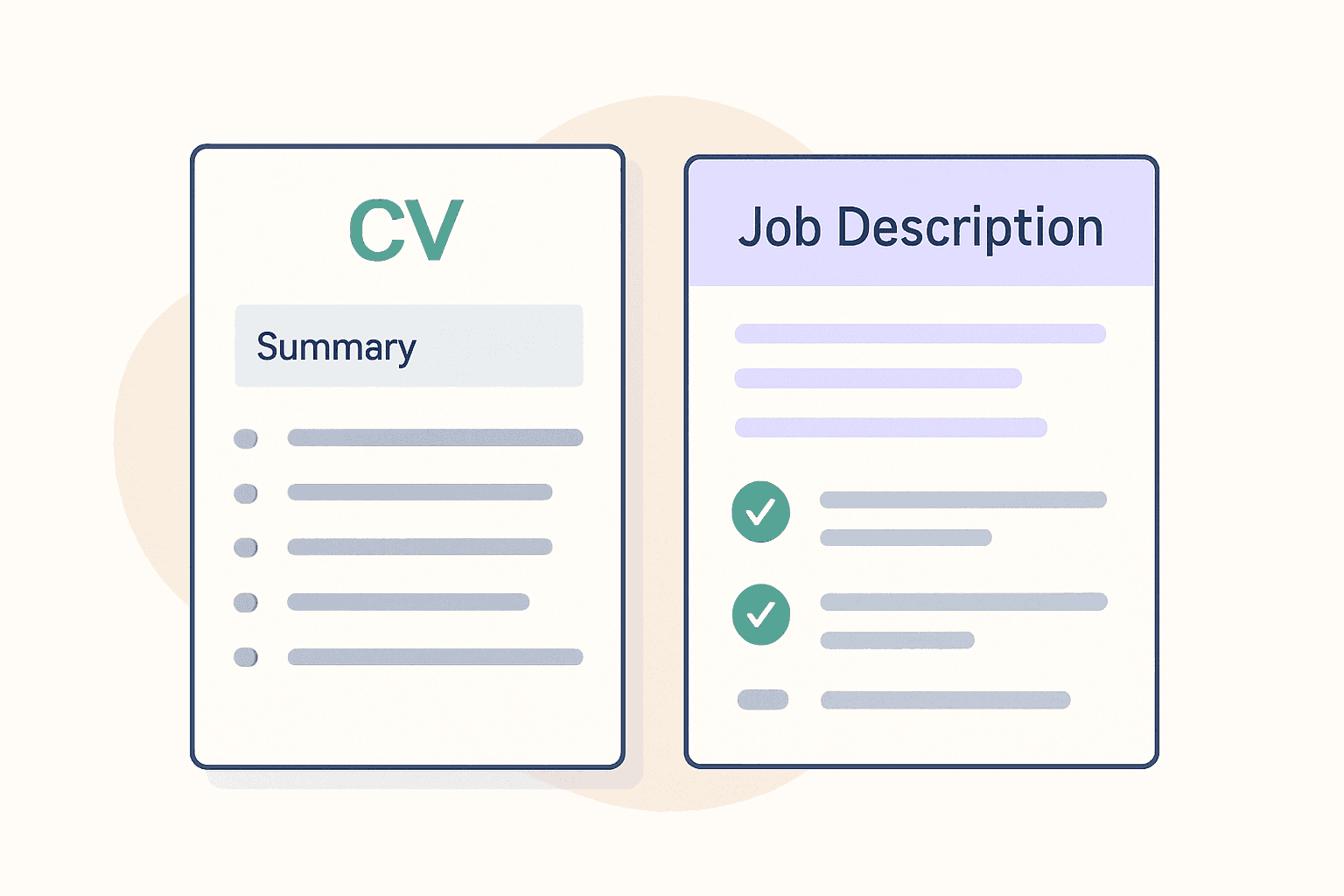
Tailor Your CV to the Job Description: A Step-by-Step Guide
Learn how to prepare a CV tailored for any job, step by step. Match keywords, adjust your summary, and show recruiters you're the right fit.

How Long Should a CV Be? Why One Page Wins in 2026
Recruiters spend 7 seconds scanning your CV. Learn when a one-page CV works best, who should use two pages, and how to tailor yours for every role.

CV Not Getting Interviews? 7 Reasons and Quick Fixes
Qualified but hearing nothing back? See how recruiters and ATS actually screen CVs, plus simple changes that get more interview callbacks.